

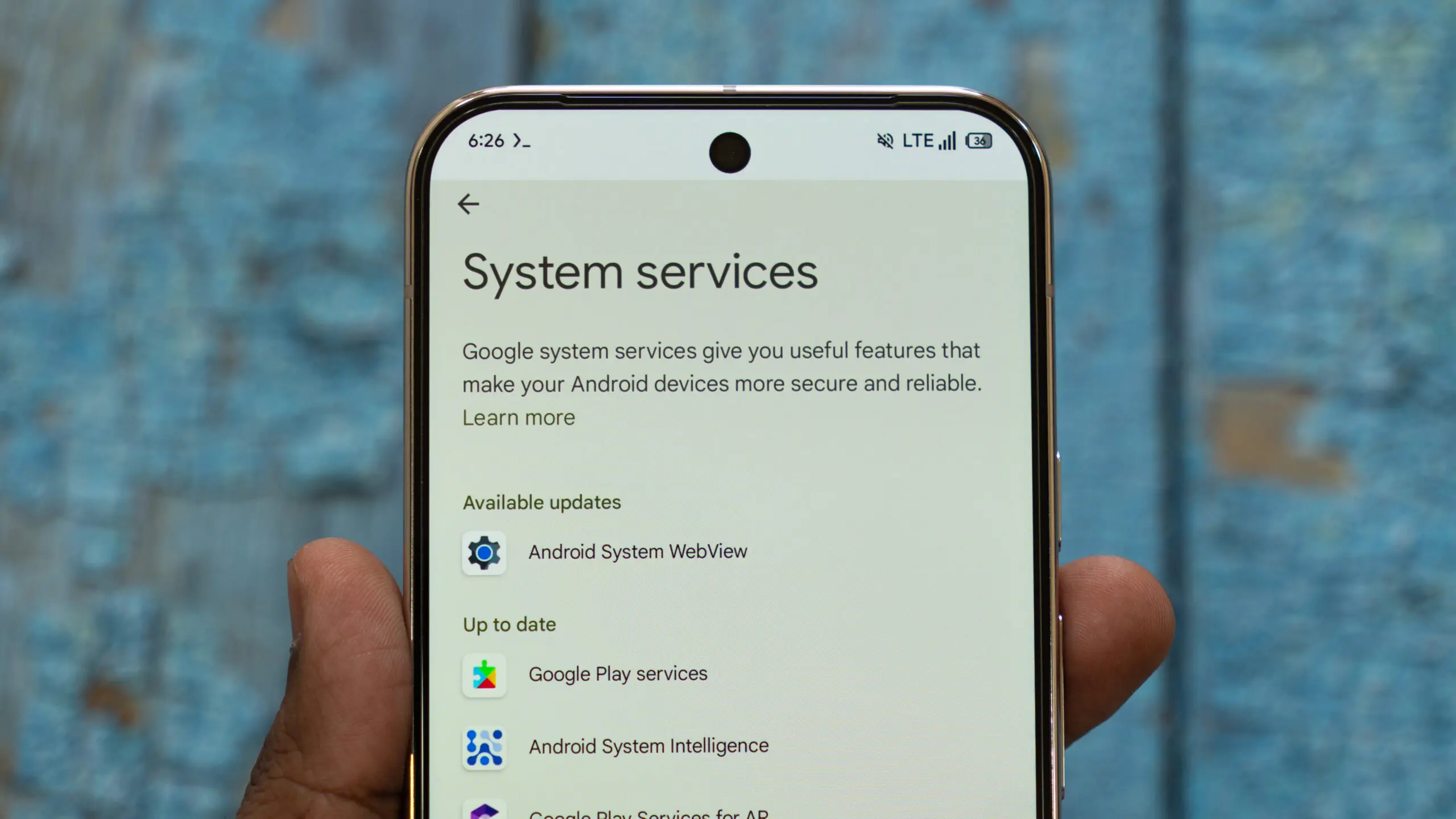
Google's August 2026 system update cycle brings another significant Play Services release, and the latest version — v26.32 — signals a major step in Google's effort to knit Android phones and PCs into one connected experience. While many changes are behind-the-scenes, they hint at what's coming from Googlebooks and how the company plans to challenge established laptop platforms.
Googlebooks and Android integration takes shape
Rumors and leaks have been swirling around Google's laptop hardware efforts, and this update confirms that Google is actively laying the software foundations. The Play Services release notes mention that during the setup wizard on PC hardware, users will see prompts explaining multi-device features for Googlebooks. This means first-time owners could be guided through phone-to-laptop handoff features immediately after unboxing.
More importantly, Google is adding Quick Start support for PCs. Quick Start has long been an iPhone onboarding feature, but Android users have seen similar functionality when setting up new phones. Now, a new desktop or laptop powered by Googlebooks can be configured using an existing Android phone. This fits into the broader trend of unified ecosystems, where a phone isn't just a phone but a key to setting up and syncing all other devices.
Cross-device settings are also being introduced. These settings will let users toggle experimental beta features directly from their device menus. This is similar to how Google has offered beta flags within Chrome or Play Services, but with a dedicated cross-device section, it becomes easier for early adopters to test new integrations before they roll out globally.
Tap to Share adds links and locations
The update expands Tap to Share with two new categories: links and location details. Tap to Share originally debuted with the Pixel 11, allowing users to share contacts, photos, videos, and files by tapping two phones together. With v26.32, the feature now supports URLs and map locations, making it a stronger alternative to the standard Android share sheet.
This expansion is meaningful because it moves Tap to Share closer to a universal quick-sharing tool. Instead of fumbling through a long list of apps, users can tap devices together to send a web page or a pin on a map. The feature relies on the same proximity-based gesture that made NFC sharing popular, and while it is not yet ready to replace every sharing method, it is becoming more flexible.
The underlying technology for Tap to Share combines NFC and ultra-wideband capabilities, depending on the devices involved. For supported devices, the tap gesture initiates a handshake, and then the actual data transfer can happen over a faster connection like Wi-Fi Direct or Bluetooth. This allows large files to be shared with minimal setup. Adding links and locations makes the feature even more practical for everyday interactions, like sharing a restaurant recommendation with a friend or sending directions to a nearby event.
Wear OS location sharing
Another notable addition is location sharing for Wear OS. Smartwatch users will get a centralized hub to configure location permissions for supported Google apps right from their wrist. This is a quality-of-life improvement, because location controls have traditionally required digging through phone settings. Now users can manage which apps have access to their location, and possibly revoke permissions, without pulling out their phone.
Wear OS has been gaining momentum with new hardware and software updates, and this improvement makes the platform more independent from the phone. It also aligns with Google's broader privacy efforts by giving users clearer visibility into location access. For example, a user might see that a weather app is using location in the background and decide to switch that to 'only while using the app' directly from the watch.
This location hub is expected to support Google apps that already have Wear OS versions, including Maps, Find My Device, and maybe even the Google app itself. Since location data is sensitive, the update is likely to include clear toggles and permission explanations that are easy to read on a small display. The goal is to make location governance as simple on the wrist as it is on the phone.
Wallet age credentials
Google Wallet is also receiving an update. Digital IDs will gain push provisioning support for age credentials. That means supported identity providers can push verified age cards directly to Wallet, making it easier to prove legal age at stores, bars, or venues. The system is expected to work with existing verified identity services and could streamline how age cards are issued and updated on Android devices.
Age verification has become increasingly important in digital and physical settings. Many online platforms now require users to prove their age beyond simply checking a box. Having an age credential in Wallet could allow users to confirm that they are over a certain threshold without exposing their full date of birth or other identifying details. This privacy-preserving approach is common in modern digital identity systems, and Google appears to be following that standard.
The update also benefits businesses that need to verify ages. Instead of relying on physical IDs that can be forged or misplaced, merchants can potentially scan a barcode or QR code from Google Wallet. The verification is done securely, and the user's sensitive data is not shared unnecessarily. This could speed up entry at age-restricted venues and reduce the burden on staff manually checking IDs.
Play Store and WebView improvements
Google Play Store v52.8 is rolling out with a redesigned navigation bar on home pages. The new navigation makes it easier to jump into tailored topic categories and interests. For users who find app discovery overwhelming, the refreshed layout could reduce the time spent scrolling. The categories are likely based on previously downloaded apps, search history, and trending content, allowing the Play Store to act more like a personalized app portal than a generic directory.
Android WebView v152 brings security and privacy patches along with new developer tools for web-rendered content inside apps. WebView is a critical component for many third-party apps that display web content without launching a full browser. This update is essential for performance and security, especially for hybrid apps that rely on embedded web pages. Developers will also gain new tools to debug and monitor web content, which is particularly useful for apps that use WebView for rich media, payment forms, or interactive articles.
WebView updates are often overlooked but they are vital to the Android ecosystem. Because WebView is used by thousands of apps, a single vulnerability can have a huge impact. Google regularly pushes WebView updates through Play Services, and v152 is no exception. The inclusion of new developer tools suggests that Google is also thinking about the developer experience, not just end-user security.
What this means for Google's ecosystem strategy
The timing of this Play Services update is notable. Google has been increasingly focused on creating a connected hardware ecosystem, much like Apple's Continuity features that allow seamless handoff between iPhone, iPad, and Mac. With Android already powering billions of devices, extending its cross-device capabilities to PCs could give Google a distinct advantage.
Googlebooks has been long anticipated by enthusiasts, with reports of partnerships with OEMs and belief that it could either complement or eventually replace ChromeOS. While ChromeOS has dominated education and low-cost laptops, Googlebooks could aim for a more premium, consumer-friendly experience that integrates tightly with Android apps and services. The Play Services update reinforces the idea that Googlebooks will not be a standalone experiment but a key part of Google's multi-device ecosystem.
The inclusion of Quick Start for PCs is particularly strategic. Many users find setting up a new laptop cumbersome, with account connections, sync configuration, and installing updates. Using an Android phone as a setup companion removes friction and makes the ecosystem feel more cohesive. This is a well-known onboarding flow from other platforms, and Google is clearly trying to replicate that ease for its own hardware.
Multi-device features in the setup wizard also suggest that Googlebooks won't just be a standalone device. Instead, it will be positioned as an extension of the phone in your pocket. We can expect features like notifications mirroring, file sharing, and maybe even app streaming to take advantage of this connection. The experimental beta toggle in cross-device settings hints that Google is willing to iterate quickly and let users help shape the experience.
Implications for Android users
While this update is aimed at future Googlebooks owners, existing Android users also benefit. Tap to Share's expansion works with current Pixel devices, as long as both devices have the latest Play Services. Wear OS users will gain location controls on their watches, and Android users will eventually see Wallet age credentials appear when checking out.
These incremental updates are part of Google's larger playbook. Rather than announcing one massive feature, the company steadily improves underlying services. This approach ensures that features are tested and refined before they become mainstream. It also means that Android users are often receiving new capabilities without needing to buy new hardware.
For developers, the Play Services update is a reminder that Google's ecosystem is constantly evolving. The addition of cross-device APIs and WebView tools gives developers more ways to build connected experiences. As Googlebooks approaches, developers will likely be encouraged to adopt multi-device features in their own apps, similar to how they've been nudged to support wearables, tablets, and foldables.
The rollout
As with most Play Services updates, this rollout is staged. Not all devices will see v26.32 immediately. Users can check their device settings under Google Play Services or wait for the automatic update to arrive in the coming days. The related app updates — Play Store v52.8 and WebView v152 — are similarly rolling out in phases.
Google's server-side updates are also an important part of this process. Some features may not be visible right after installing the Play Services update because Google can toggle them remotely. This means that even if your device is running v26.32, some of the new capabilities could appear gradually over the next several days. That is standard practice for Google's Play system to ensure stability and to avoid overwhelming users with too many instant changes.
The August 2026 Play Services update may not be the flashiest announcement, but it is one of the most strategically important in recent months. It reinforces Google's ambition to make Android more than a phone operating system, expanding its reach to PCs, wearables, and identity verification. With Googlebooks on the horizon and cross-device tools maturing, the line between Android phone and Android-powered laptop is becoming increasingly blurred.
Source:Android Authority News