

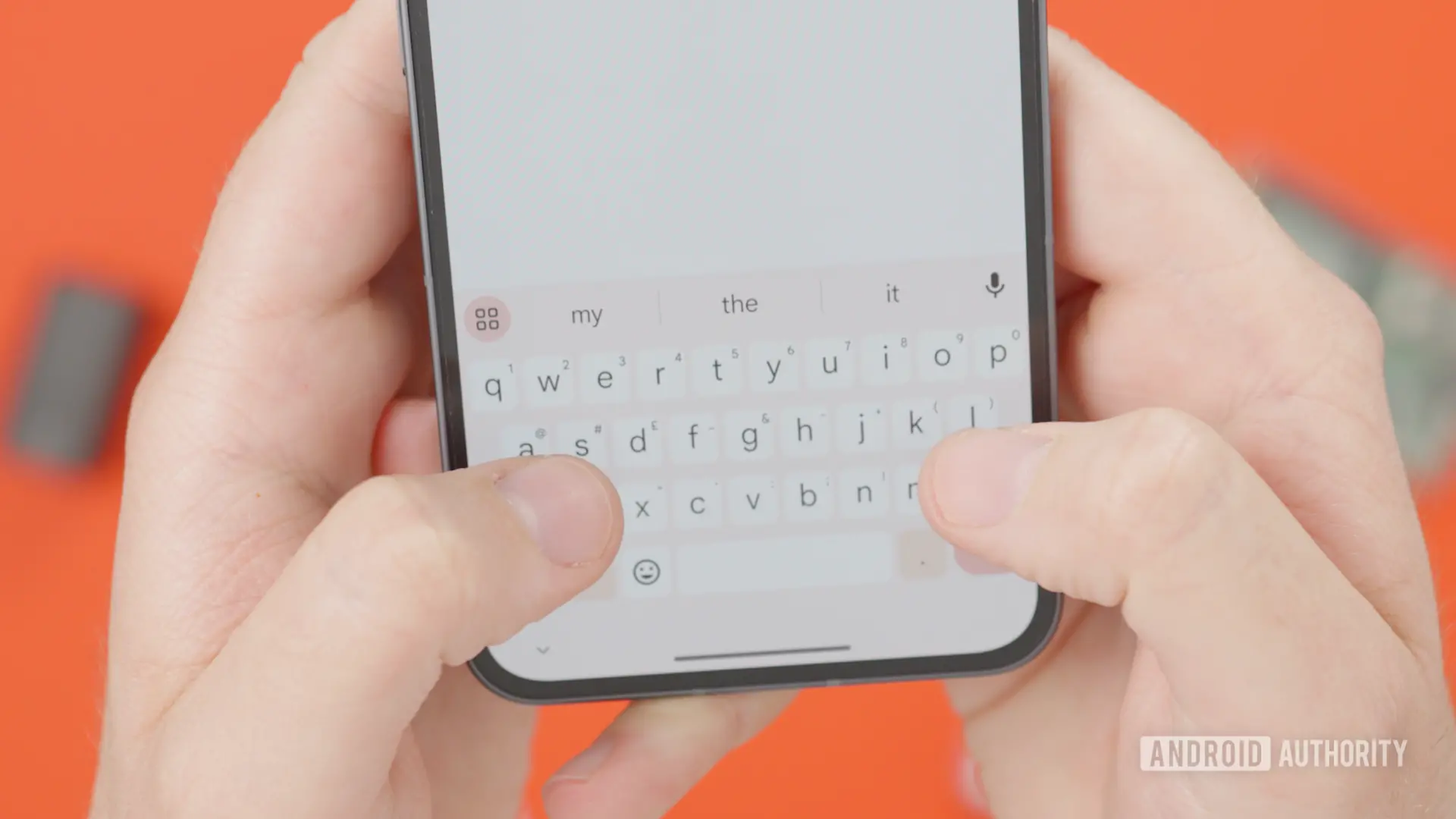
Gboard has long been one of the most feature-rich keyboard apps on Android, offering everything from glide typing to integrated search and a powerful clipboard manager. Among its many conveniences is the suggestion bar that appears above the keyboard, offering contextual suggestions including clipboard snippets, undo and redo actions, and predictive text. But for many users, these suggestions can sometimes feel intrusive, especially when they appear in every chat or text field you open. Fortunately, a new beta update suggests Google is finally working on a simple way to dismiss them.
What's New in Gboard Beta?
The latest version of Gboard, v18.0.3.954559732-beta-arm64-v8a, contains code for a new dismiss button. This button appears as a cross icon that can be placed next to clipboard suggestions. It can also appear alongside the undo and redo buttons that show up in the top bar. When tapped, this button would dismiss the corresponding suggestion, saving you from having to type a character just to clear it away.
This is a small but meaningful addition. Many users have complained for years about not being able to manually dismiss suggestions without interacting with the text field. Typing a space or a letter just to make the suggestion disappear is a workaround, but it is clunky and interrupts the flow of writing. A dedicated dismiss button makes the process intuitive and quick.
How Clipboard Suggestions Work Now
Gboard's clipboard suggestion feature is designed to help you paste recently copied text without going into the clipboard manager. When you copy something, the keyboard remembers it and may show the snippet in the suggestion bar. This can be handy if you frequently paste the same address, code, or phrase. But it can also be annoying if you copied something sensitive, irrelevant, or simply don't need to paste it.
Currently, if you want to remove a clipboard suggestion from the top bar, you have to type something in the text field. This triggers a change in the keyboard's state, causing the suggestion to disappear. However, this is not a permanent dismissal. The suggestion may reappear later. With the new dismiss button, you can explicitly dismiss a suggestion, which should offer a more reliable and consistent way to keep the top bar clean.
Undo and Redo Buttons Also Get Dismissal
The same dismiss button is also being tested for the undo and redo buttons that appear in Gboard's top bar. These buttons are useful when you make a mistake and want to revert your last action, but they can also clutter the interface if you rarely use them. Being able to dismiss them gives users more control over their keyboard layout and the amount of on-screen clutter.
It is worth noting that this is an APK teardown finding. This means the feature exists in the beta code but may not be fully functional or may change before the final release. Google often tests features in beta and then decides whether to roll them out to the stable version. Some features disappear after testing, so there is no guarantee this dismiss button will make it to everyone.
Why This Matters for User Experience
Keyboard apps are central to the smartphone experience. Every time you type, the keyboard is right there, taking up a significant portion of the screen. The suggestion bar adds another layer of information, but when it is not useful, it becomes noise. A dismiss button is a small gesture toward giving users more control over their interface.
This change is especially relevant for users who rely on Gboard for work or communication. Clipboard suggestions can be useful in some situations, but they can also expose private information. If you copy a password, bank account number, or other sensitive data, the last thing you want is for that snippet to appear in the suggestion bar of a chat window. The dismiss button gives you a quick way to clear it, though you should still be careful about what you copy and paste.
From a design perspective, the dismiss button aligns with modern UX principles. Instead of forcing users to work around a feature they don't want, the app gives them an explicit way to opt out. This respects user agency and reduces frustration. It is the kind of small improvement that can make a big difference in daily usability.
Background: Gboard's Evolution
Gboard was launched in 2016 as Google's official keyboard for Android. It quickly gained popularity due to its fast typing experience, Google Search integration, GIF support, and emoji suggestions. Over the years, Google has added many features, including Google Translate, voice typing, and a robust clipboard manager. The clipboard manager itself was a major addition, allowing users to store multiple copied items and pin important ones.
The suggestion bar has evolved alongside these features. It now shows not only text suggestions but also actions, media, and shortcuts. With so many possible suggestions, Gboard has to decide what to show you at any given time. Sometimes it gets it right, and sometimes it doesn't. The dismiss button is a step towards letting users correct those decisions manually.
Historically, Android keyboards have not given users much control over suggestion bars. Apple's QuickType bar on iOS also offers suggestions and predictive text, but it does not have a simple dismiss button for individual suggestions either. This puts Gboard in a position to lead in customization and user control.
How It Works in the Beta
According to the teardown, the dismiss button is represented by a cross icon. When it appears, it is likely to be placed at the end of the suggestion or as a separate button near the suggestion. Tapping the cross would hide the suggestion. This is similar to how Google Chrome clears suggestions from its address bar or how many apps allow users to dismiss notification cards.
The feature seems to be fully built in the beta, which suggests it may not be far from a public release. However, Google often rolls out features in stages to ensure stability. It is possible that the dismiss button will be enabled for a small percentage of users first, then gradually expanded. This is a common practice for Android features.
The Problem with Current Dismissal Methods
As noted, the only way to dismiss suggestions right now is to type. This is inconvenient because it changes the content of the text field. If you are in a chat and you just copied something, typing a random character to dismiss the suggestion means you then have to delete that character. If you are in a form or an email, you might accidentally submit something unwanted. The new dismiss button eliminates this risk entirely.
Another issue is that typing to dismiss does not work for all suggestions. Some suggestions, like undo and redo, are not triggered by the text field in the same way. They appear based on the current state of the text field and your last actions. Typing a character may change the state, but it does not necessarily make those buttons disappear. So the new dismiss button could be the only reliable way to hide them.
For users who frequently use Gboard's clipboard suggestions as a quick-paste tool, the dismiss button is not likely to interfere with their workflow. You can still tap the suggestion to paste it. The dismiss button is an additional action, so it won't slow down those who want to use the suggestion.
Potential Impact on Productivity
In a world where we are constantly typing on our phones, any reduction in friction is welcome. The dismiss button can save a few seconds each time you encounter an unwanted suggestion. Over the course of a day, those seconds add up. More importantly, it removes the feeling of being at the mercy of the keyboard's algorithms.
It also improves the visual cleanliness of the keyboard interface. The top bar will only show what you want to see, at least after you dismiss the suggestions you don't want. This can make Gboard feel more minimal and less distracting. For users who prefer a clean typing experience, that is a significant benefit.
Comparison with Other Keyboards
Other popular Android keyboards, such as Samsung Keyboard, SwiftKey, and Grammarly Keyboard, have their own versions of suggestion bars. Some allow you to hide the suggestion bar entirely in settings, but few offer per-suggestion dismissal. Gboard's approach, if implemented well, could set a new standard.
Hiding the entire suggestion bar is a blunt tool. It removes all suggestions, including useful predictive text and undo/redo. The dismiss button is more surgical. It lets you keep the suggestion bar but remove only the items you don't need at that moment. This is a better user experience for people who like suggestions in general but occasionally encounter unwanted ones.
What Could Come Next
The dismiss button might be just the beginning. Google could later add a long-press gesture to dismiss suggestions or allow users to turn off specific suggestion types in the settings. The code for the dismiss button suggests that Google is actively thinking about how to improve the suggestion bar. We might also see related features in future beta releases.
It is also possible that the dismiss button will be accompanied by a setting to disable certain suggestions entirely. For example, you might be able to turn off clipboard suggestions altogether while keeping other suggestions active. That would be a welcome addition for users who never want their clipboard contents to appear in the top bar.
Until then, the dismiss button is a promising sign. It shows that Google is listening to user feedback and working on usability improvements. It is not a flashy feature, but it is the kind of change that makes a product feel more polished and user-friendly.
As with any APK teardown, there is uncertainty about whether the feature will ship. But the fact that it appears to be fully built is encouraging. If everything goes according to plan, you might soon be able to tap a tiny cross and make that clipboard suggestion go away for good.
Source:Android Authority News