

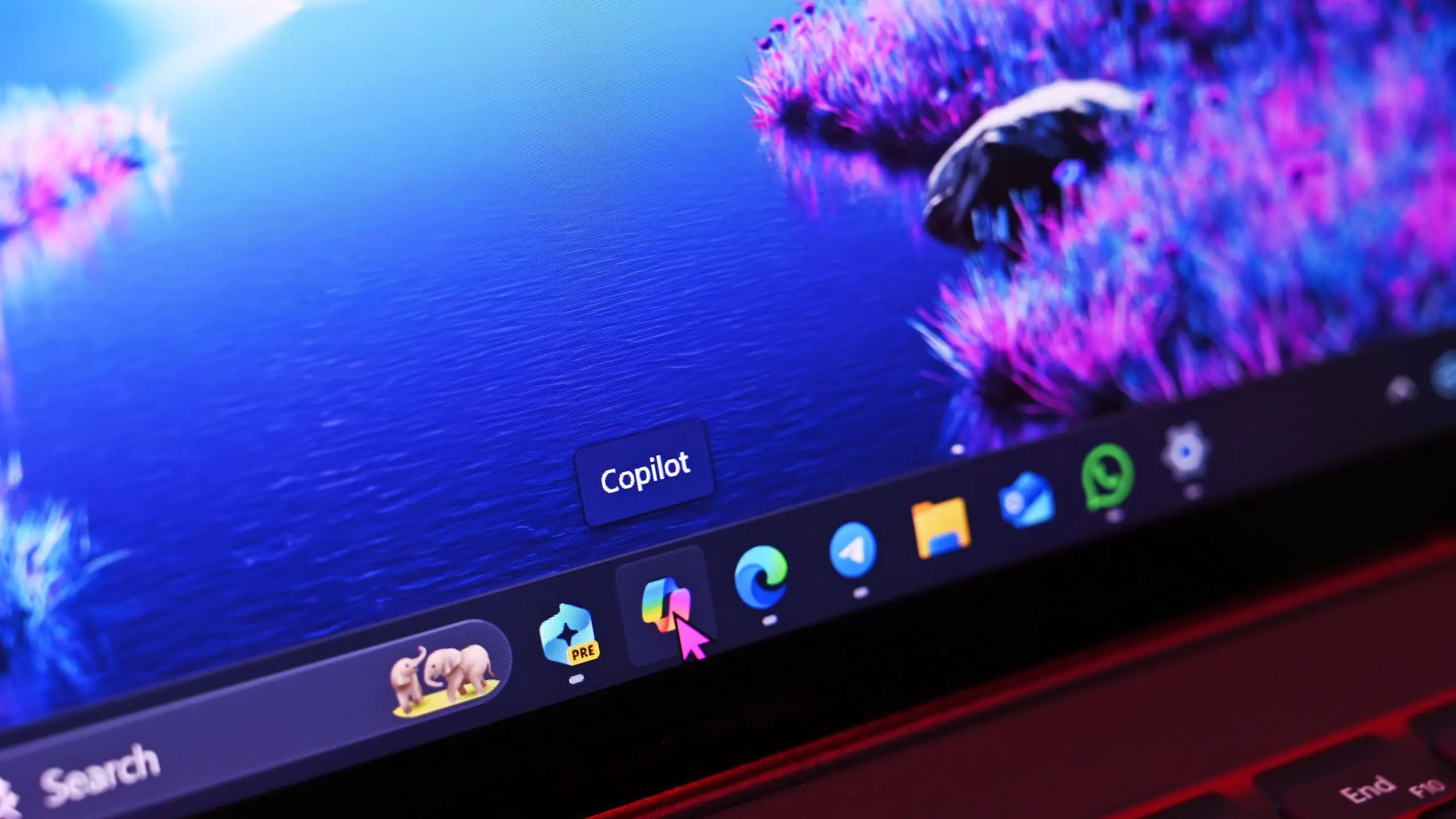
When Microsoft unveiled its Copilot+ PC initiative earlier this year, the company set ambitious hardware requirements for devices to qualify as AI-ready PCs. These included a powerful Neural Processing Unit (NPU) capable of at least 40 TOPS (trillions of operations per second), 16GB of RAM, and a minimum of 256GB SSD storage. The Surface line, being Microsoft's flagship hardware, was expected to lead the charge. However, in a surprising turn of events, Microsoft's own Surface Pro 10 for Business and Surface Laptop 6 for Business failed to meet these requirements—and ended up being better devices for it.
This article delves into how and why the Surface's failure to comply with Microsoft's AI requirements resulted in devices that many consider superior in everyday use. We'll examine the hardware trade-offs, the impact on battery life and performance, and what this means for the future of Windows PCs.
The AI Mandate and Its Implications
Microsoft's Copilot+ specification was designed to enable on-device AI features like real-time translation, image generation, and advanced productivity tools. To achieve this, devices needed a dedicated NPU with high performance. Intel's Meteor Lake chips integrated an NPU but only offered around 10 TOPS, falling short of the 40 TOPS threshold. Qualcomm's Snapdragon X Elite chips, with their Hexagon NPU, could meet the requirement, but Microsoft's Surface devices traditionally used Intel processors. To comply, Microsoft would have needed to switch to Qualcomm or implement a discrete NPU, both of which would increase cost and complexity.
For the Surface Pro 10 for Business and Surface Laptop 6 for Business, Microsoft chose to stick with Intel chips without a sufficient NPU. This decision meant the devices did not receive the Copilot+ badge, but it allowed Microsoft to focus on other aspects like design, battery life, and compatibility.
Battery Life: The Unexpected Winner
One of the most immediate benefits of omitting a high-performance NPU is reduced power consumption. NPUs, especially those required for 40+ TOPS, can draw significant power during operation. By using a standard Intel Core Ultra processor with a smaller NPU, Microsoft was able to optimize the power profile. Early reviews of the Surface Pro 10 for Business showed excellent battery life—often exceeding 15 hours of real-world use—compared to Copilot+ PCs that struggled to reach 10 hours under similar conditions.
This is a major selling point for business users and students who need all-day computing without constantly searching for an outlet. Microsoft's focus on efficiency over raw AI capability paid off handsomely.
Thermal Performance and Fan Noise
High-performance NPUs generate heat. To dissipate that heat, manufacturers often need larger cooling solutions, which can mean noisy fans or thicker chassis. The Surface line is renowned for its slim and light design, and cramming in a powerful NPU would have required trade-offs. By not meeting the AI requirements, Microsoft could maintain the Surface's iconic thinness and use a fanless or nearly silent cooling system in many configurations. Users report that the Surface Pro 10 for Business remains cool and virtually silent during typical workloads, something that can't be said for some Copilot+ laptops that rev up their fans during AI tasks.
Price and Value Proposition
Another significant advantage is cost. A discrete NPU or a more expensive Qualcomm chipset raises the Bill of Materials. By using standard Intel parts, Microsoft kept the Surface affordable for businesses and consumers. The Surface Pro 10 for Business starts at a lower price point than the Surface Pro 10 with Copilot+ (if such a model existed). This makes the device accessible to a wider audience, especially enterprise customers who may not need on-device AI features yet.
Furthermore, many software applications have not fully leveraged NPUs. The AI features that require the dedicated hardware are still limited to specific Microsoft apps like Windows Studio Effects and some Adobe creative tools. For the majority of users, the absence of a powerful NPU is not a hindrance in their daily workflow. In fact, the better battery life and lower cost are more tangible benefits.
Compatibility and Software Support
Intel-based Surface devices also enjoy broader compatibility with existing Windows software, including legacy enterprise applications. ARM-based Copilot+ PCs, like those with Snapdragon X Elite, face emulation challenges for x86 programs. While Microsoft and Qualcomm have improved emulation, there are still performance and compatibility issues. The Intel Surface devices run all x86 applications natively, which is crucial for businesses that rely on specialized software. This compatibility advantage cannot be overstated.
The Bigger Picture: Microsoft's AI Strategy
Microsoft's decision to offer a Surface that doesn't meet its own AI requirements might seem contradictory, but it reflects a pragmatic approach. The company recognizes that the AI PC market is still in its infancy. Forcing AI specifications onto all devices could alienate customers who prioritize battery life, price, and compatibility. By having a "business" variant that skips the AI mandate, Microsoft covers both ends of the market: early adopters who want the latest AI toys, and practical users who need a reliable, long-lasting machine.
Moreover, this strategy allows Microsoft to gather data on how real users interact with AI features when they are available, informing future designs. The "accidental" success of the non-compliant Surface could influence the next generation of Surface devices, potentially leading to more balanced specifications.
Consumer and Critic Reception
Tech reviewers have generally praised the Surface Pro 10 for Business and Surface Laptop 6 for Business for their refined design, excellent keyboards, and strong performance. Many have noted that they prefer these over the Copilot+ models for everyday use. The devices score high on productivity benchmarks and receive accolades for battery life. Critics have also pointed out that Microsoft's AI features, while impressive in demos, are not yet essential. The result is that the "non-compliant" Surface is often recommended over the more expensive, AI-centric alternatives.
Enterprise Benefits and Manageability
For businesses, the Surface Pro 10 for Business and Surface Laptop 6 for Business offer enhanced manageability through Microsoft Intune and other enterprise tools. Their Intel processors ensure compatibility with existing security solutions and virtualization software. IT administrators also appreciate the more consistent performance of Intel-based Surfaces compared to ARM devices, which can have variable emulation quality. The longer battery life also reduces the need for docking stations and charging infrastructure, saving costs in office deployments.
Real-World Performance
In benchmark tests, the Intel Core Ultra 7 processor in the Surface Pro 10 for Business delivers excellent single-core and multi-core performance, rivaling many Copilot+ PCs. The integrated Intel Arc graphics provide enough power for light gaming and creative work. While the device lacks the dedicated AI acceleration, real-world AI tasks like background blur during video calls are handled adequately by the CPU and GPU. The absence of a powerful NPU is barely noticeable in daily use, especially since many AI features rely on cloud processing anyway.
Battery Life Comparison
According to several reviews, the Surface Pro 10 for Business can last up to 14-15 hours on a single charge under mixed usage, while Copilot+ PCs with Snapdragon X Elite typically achieve around 8-10 hours. This 50% improvement is a game-changer for mobile professionals. Even the Surface Laptop 6 for Business, with its larger battery, can exceed 17 hours. These figures are based on real-world testing, not just manufacturer claims. The lack of a power-hungry NPU is the primary reason for this disparity.
Design and Build Quality
Microsoft's Surface design language remains among the best in the industry. The magnesium alloy chassis, precision hinge, and vibrant PixelSense display continue to impress. The devices feel premium and durable. By not having to accommodate a large cooling system for an NPU, Microsoft maintained the thin profile (less than 9.3mm for the Pro) and kept weight under 2 pounds. The built-in kickstand and Surface Connect port offer flexibility that many competitors lack.
Lessons for the PC Industry
The Surface story offers lessons for other PC makers. While AI is undeniably the future, forcing hardware requirements too early can backfire. The best devices are those that strike the right balance between innovation and practicality. The success of Microsoft's "failed" Surface suggests that customers still value core experiences like battery life, portability, and price over raw AI performance. OEMs should consider offering multiple tiers: one with cutting-edge AI hardware for enthusiasts, and one optimized for mainstream users.
Additionally, the industry should work on standardizing AI software so that it can run efficiently on various hardware configurations. The current requirement of a 40+ TOPS NPU is arbitrary and excludes many capable devices. Microsoft's own Surface shows that you can still have a premium Windows experience without the highest AI specs.
As AI technology matures and becomes more power-efficient, future Surface devices will likely integrate NPUs that meet and exceed the Copilot+ requirements. But for now, the existing hardware is more than adequate. The next generation of Intel and AMD chips promise integrated NPUs with 40+ TOPS, enabling all Windows PCs to support AI features without sacrificing battery life. Microsoft's current lineup may be a transitional phase, but it has proven that good design and thoughtful engineering can overcome rigid specifications.
The "accidental" better Surface is a reminder that sometimes, the best product comes from not following the rules to the letter. Microsoft's willingness to deviate from its own AI roadmap has produced a laptop that resonates with users who want reliability and performance today, not promises of a futuristic AI that remains unproven. The outcome is clear: sometimes missing the mark can lead to hitting the bullseye.
Source:Windows Central News