

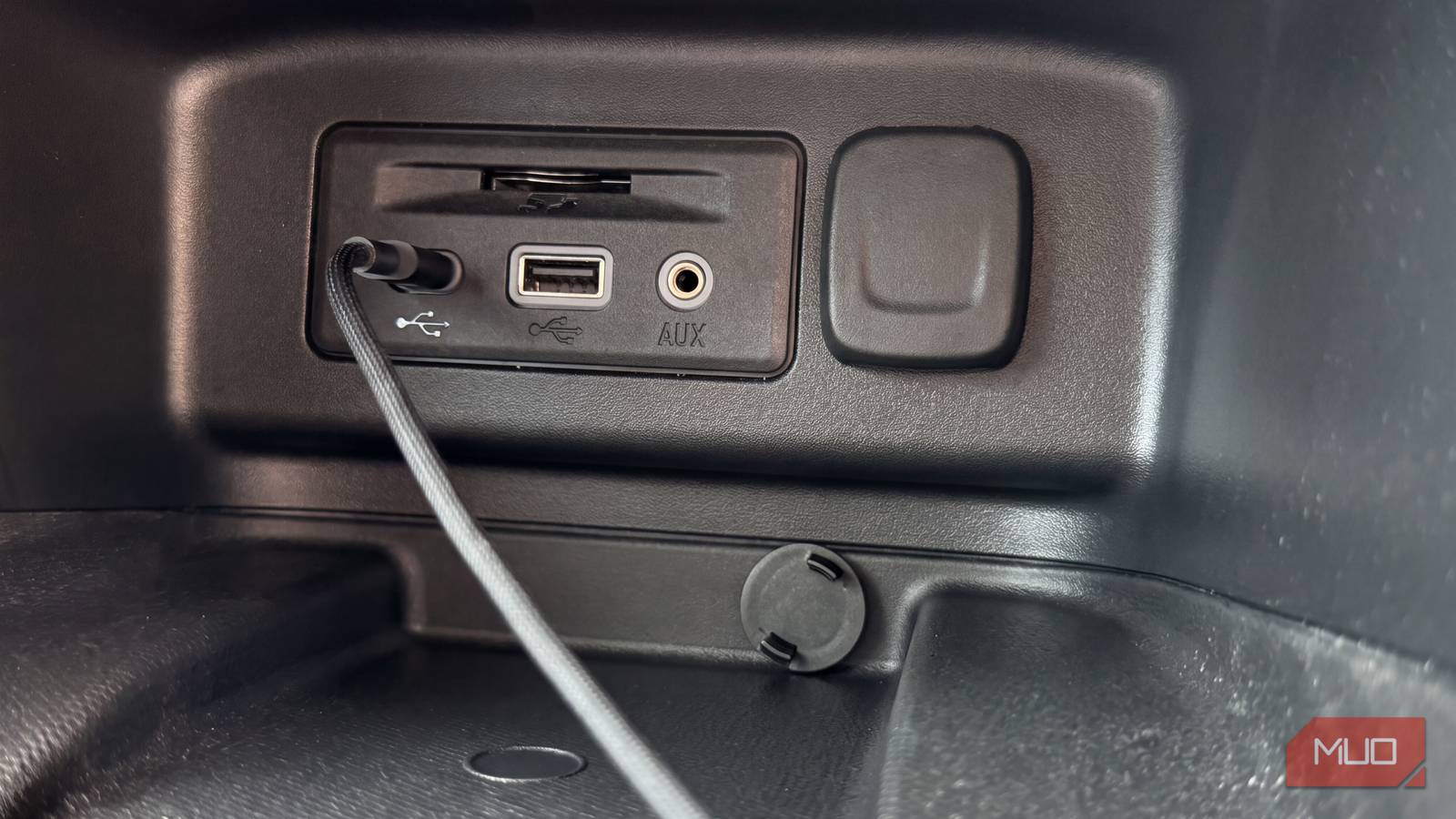
USB ports have been standard equipment in cars for years, yet the vast majority of drivers use them for exactly two things: topping up a phone battery and running a wired connection for Android Auto or Apple CarPlay. That is a remarkably narrow use of a port that is, in essence, a small, always-available power outlet sitting inches from the driver's hand. With the right gadget plugged in, the same socket can make a car safer, cleaner and considerably more pleasant to spend time in — and almost none of these add-ons cost more than a tank of fuel.
What follows is a practical tour of what a car's USB port can actually do, along with the caveats that matter: how much power a port really delivers, why some ports refuse to talk to certain devices, and why a port that stays live overnight can quietly flatten a battery.
Power small gadgets: dashcams, air purifiers and TPMS
The obvious starting point
Charging a phone is the entry-level use case, but the same port can run a whole category of small accessories. A dashcam is the most compelling example. A basic forward-facing unit can be picked up for around $60, and it functions as a genuine safety net — both in the moment and later, when an insurer asks what happened. Installation is about as simple as car electronics gets: mount the camera on the windshield (or rear glass for a two-channel setup), route the cable along the headliner and trim, and plug it into the USB port. Drivers who would rather not spend anything at all can repurpose an old smartphone as a dashcam, loading it with a looping-recording app and leaving it mounted on the glass.
Air quality is the next frontier. A closed cabin with the ventilation on recirculate can get stuffy fast, particularly in stop-and-go traffic where exhaust fumes accumulate. A USB-powered air purifier is small enough to drop into a cupholder, draws its power from the same port, and some units double as a scent diffuser. A USB humidifier addresses the opposite problem: air conditioning strips moisture from the cabin, and on long drives that leaves throats dry and eyes scratchy. A compact humidifier running off USB counters that.
Tire pressure monitoring for older cars
Then there is the safety gap that many older vehicles still have: no tire pressure readout on the dashboard. An aftermarket tire pressure monitoring system fills that hole. Sensor caps screw onto the valve stems, a small display sits on the dash or plugs into the car's power supply, and the driver gets live pressure and temperature readings for each wheel. These kits typically run around $50 and are worth their price for anyone who rarely remembers to check pressures manually, since underinflation quietly eats fuel economy and accelerates tire wear.
Connect a portable vacuum cleaner
Tackle car messes without losing your mind
A handheld car vacuum is another gadget that can run from the USB port. These are not the shop vacuums or the corded machines used at home; they are compact, cordless units designed to live in a glovebox or door pocket between uses. A decent one costs somewhere between $20 and $30, which makes the decision easy for anyone with children, pets or a habit of eating lunch behind the wheel.
Suction will not match a full-size vacuum, and nobody should expect it to. What it will handle is the everyday debris that makes an interior feel shabby: crumbs in the seat rails, dust on the dash, pet hair on the upholstery, sand tracked in from a beach trip. Many models ship with narrow nozzles and brush attachments so the driver can reach into the glove compartment, the footwells and the crevices between the seats — the places where a normal vacuum hose simply does not fit.
Enjoy offline music with a flash drive
The old-school way still works
There was a time when a USB flash drive was the only way to play your own music in a car without an AUX cable dangling across the centre console. Load the drive with tracks, plug it into the head unit's USB socket, and the stereo reads it like a giant, indestructible album collection. The method is old, but it has not stopped working — and most households already own a spare drive, so the cost is effectively zero.
The advantages are more relevant than they sound. Stored music plays regardless of cell signal, which matters on rural routes and mountain passes. Nothing streams, so no data is consumed. And crucially, the phone stays in a pocket: no Bluetooth radio running, no navigation app hammering the battery, no screen left on. For a long road trip, a formatted drive loaded with a few hundred tracks is a genuinely practical piece of kit. It is worth formatting the drive to a file system the head unit recognises and keeping the folder structure shallow, since some stereos struggle with deeply nested libraries.
Upgrade your car's interior with ambient lighting
Your cabin could use a glow-up
For drivers who care about how a car feels rather than just how it functions, USB-powered LED strips are one of the cheapest visual upgrades available. The strips plug directly into the car's USB port and can be routed along the footwells, under the dashboard or across the door panels, shifting the entire mood of the cabin after dark. Most kits include either a remote control or a phone app for changing colours, adjusting brightness and syncing the lights to music playing through the stereo.
Pricing usually lands in the $15 to $20 range, which is modest for something that makes an interior feel considerably more premium than it is. It is purely an aesthetic change, and installation takes some patience — adhesive backing does not always cling to textured plastics, and cable routing should avoid pedals and airbag zones. Enthusiasts can go further with underglow kits that cast light beneath the car, a look borrowed straight from tuning culture.
Know your port before you plug anything in
Not every USB port in a car is created equal, and the differences explain most of the frustration drivers encounter. Older USB-A sockets often output just 5 watts, enough to trickle-charge a phone but not enough to run a dashcam reliably in parking mode. Newer USB-C ports with Power Delivery can push far more, sometimes enough to fast-charge a laptop. A gadget that expects more current than the port can supply will either run intermittently, shut down under load, or refuse to start at all.
There is also the data question. Many built-in ports are charge-only, carrying no data lines whatsoever, which means a flash drive or a wired phone-mirroring connection simply will not be recognised. Head units usually label the data-capable port, often with a small screen or phone icon. If both behaviour and labelling are unclear, a cheap USB voltage and current meter plugged inline will reveal exactly what a socket is delivering.
The last variable is whether the port stays powered when the ignition is off. Some vehicles keep certain sockets live permanently, which is convenient for charging overnight but risky for accessories left plugged in: a dashcam in parking mode or an LED strip forgotten on can drain a battery over a few days. If a port stays live, either unplug the accessory at the end of each trip or fit a device that cuts power below a set voltage threshold.
Other add-ons worth considering
Beyond the headline gadgets, the port can host a handful of smaller conveniences. A Bluetooth receiver plugged into an older stereo's USB or AUX input adds wireless streaming to a car that never had it. A USB-powered LED strip or puck light for the trunk makes loading luggage at night far easier. Small USB fans clip to vents for rear passengers, heated seat cushions run off the same supply, and compact GPS trackers can be charged in-car between uses.
One caution applies across the board: power-hungry accessories such as tire inflators and portable jump starters almost always require a 12-volt socket or a dedicated battery, not a USB port. Checking the stated power draw of any gadget against the output of the port it will use takes about a minute and prevents most disappointing purchases.
Source:MakeUseOf News