

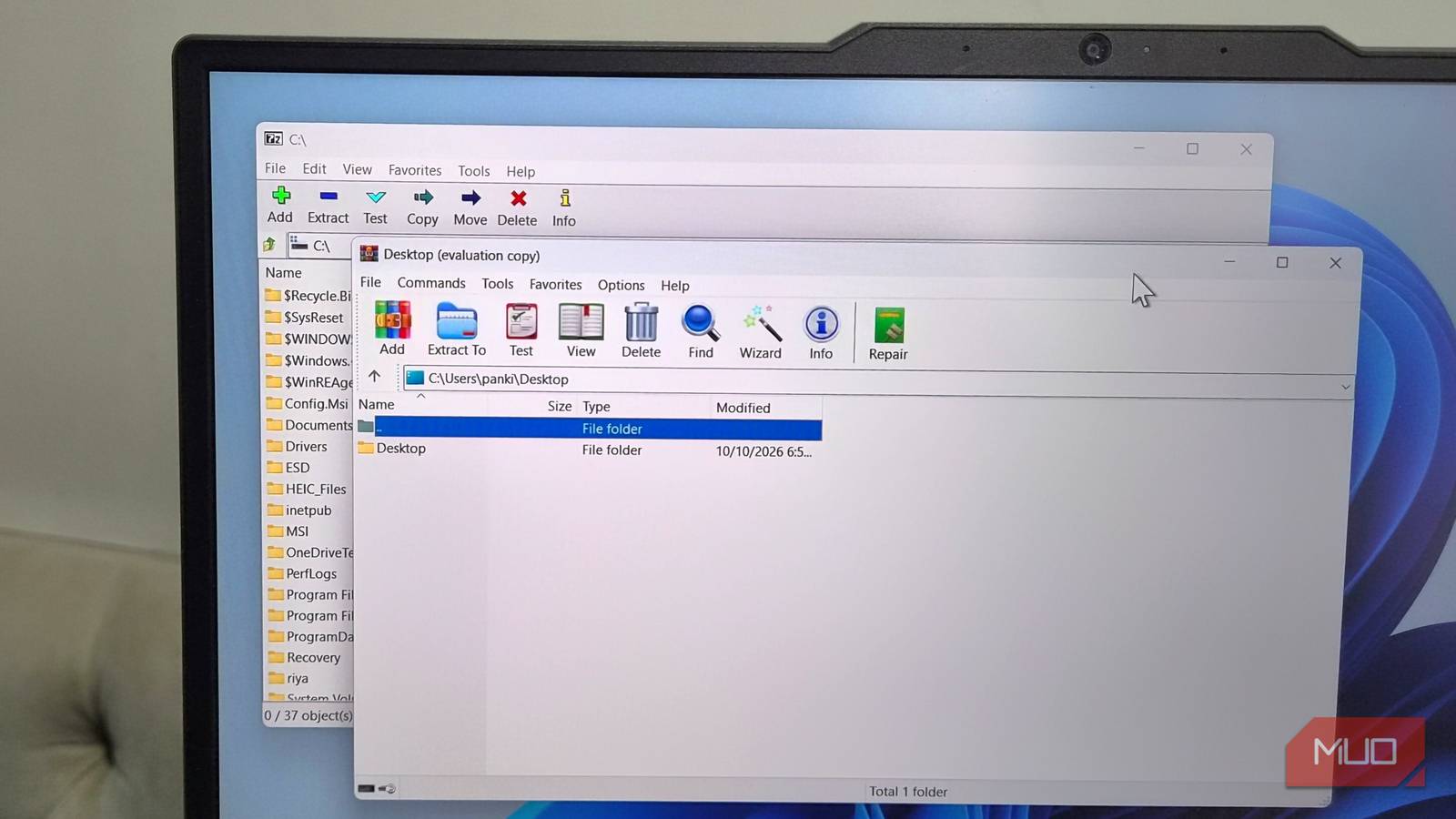
Anyone who has used a Windows PC for very long has probably encountered 7-Zip or WinRAR. One of the two is often among the first programs installed on a new machine, and for good reason. They open compressed archives, create smaller files for transfer, and handle formats that Windows does not always support on its own. The problem is not that these tools are difficult to use. The problem is that they are easy to forget. Neither 7-Zip nor WinRAR checks for updates automatically, so a version installed during initial setup can remain on a PC for months or even years without anyone noticing.
That gap is more than a minor inconvenience. Archive utilities parse files created by other people, often files received through email, chat apps, download pages, or shared drives. When a parser has a security flaw, a malicious archive can turn an ordinary-looking file into an entry point. The vendor may release a patch quickly, but if the user never learns that a patch exists, the fix does nothing for that machine. The result is a quiet exposure window that can last far longer than the public disclosure itself.
Key facts at a glance
- 7-Zip and WinRAR do not check for updates automatically.
- Both tools can remain installed and functional while running outdated, vulnerable versions.
- WinRAR patched a flaw involving RAR5 recovery files, where crafted .rev files could cause writes outside allotted memory and potentially allow remote control.
- 7-Zip patched a critical flaw that could let attackers bypass a Windows security warning and extract a malicious file.
- Manual updates are straightforward but require users to compare the installed version with the latest release on the official site.
- UniGetUI is a free, open-source option that can check for and install updates for many Windows programs, including tools installed outside the Microsoft Store.
Why the missing update check matters
Most modern consumer software has trained people to expect automatic updates. Browsers, messaging apps, and even many utilities check for new versions in the background, download them, and prompt for a restart. 7-Zip and WinRAR break that pattern. They are built to be lightweight and dependable, and they generally do not nag users with update notifications. For many users, that restraint feels refreshing. For security, it creates a blind spot.
The blind spot is especially dangerous because archive software sits in a sensitive position. It reads complex file structures, decompresses data, and writes files to disk. A bug in that process can affect memory safety, file paths, or the way the program handles warnings from the operating system. An attacker does not need to compromise the vendor site or the user's browser. They only need the user to open a specially crafted archive with a version that contains a known flaw. If the user never updates, the attacker can rely on that flaw for a long time.
That does not mean every outdated copy is actively exploited. Most users will never encounter a malicious archive designed for a specific vulnerability. But security is not only about average behavior. It is about reducing the number of machines that remain easy to attack after a fix is available. When a patch is published, the risk begins to shift from the flaw itself to the population of unpatched installations. For 7-Zip and WinRAR, that population can grow quietly because no automatic mechanism pushes the fix to users.
Two flaws that show the risk is real
The concern is not theoretical. WinRAR addressed a problem in how it processed RAR5 recovery files. In older versions, a crafted set of .rev files could make the program write files outside the memory area it was supposed to use. That kind of memory corruption can become a pathway for an attacker to control the affected PC. The details matter less to the average user than the shape of the risk: a file format feature, a parsing error, and a user who simply opens an archive.
7-Zip also patched a critical issue that allowed attackers to bypass a Windows security warning and extract a malicious file. That is a different kind of failure, but the outcome is similar. The archive tool becomes the step that turns a blocked or suspicious file into something that can run. Both vendors moved to fix the issues. Both fixes were available. The missing piece was delivery. A patch that stays on a website is only useful to users who think to look for it.
Why users keep outdated versions
The most common reason is simple: the software keeps working. An old version of 7-Zip or WinRAR can still open archives, compress folders, and handle everyday tasks. There is no visible failure, no warning banner, and no obvious sign that anything is wrong. Users who installed the program years ago may not remember which version they have. They may assume that Windows Update handles it, or that the program updates itself because so many other programs do.
Another reason is that manual updates require a small amount of effort at the exact moment when nothing feels urgent. A user has to open the program, find the About screen, note the version number, visit the official site, compare releases, download an installer, and run it. None of those steps is difficult. Together, however, they are easy to postpone. A task that takes two minutes can be delayed for weeks when it has no deadline and no reminder. That is how a temporary delay becomes a long-term habit.
How to check your installed version manually
For 7-Zip, open the program and go to Help, then About 7-Zip. The About window displays the version installed on the PC. Use the button at the bottom of that window to visit the official site, then compare the listed version with the one on the machine. If the site offers a newer release, download it and run the installer to update. The process does not require uninstalling the old version first in the usual case.
For WinRAR, the steps are nearly identical. Open WinRAR, go to Help, then About WinRAR. The About window shows the current version. Click the Home page button to reach the official site, check the latest version, and download the newer installer if one is available. Run the installer and follow the normal prompts. The update itself is not the hard part. The hard part is remembering to do it before a vulnerability becomes relevant.
The habit problem: why checking every few weeks is not enough
Some users try to solve the problem by checking for updates every few weeks. That is better than never checking, but it still leaves gaps. A patch may be released the day after a manual check, and the user may not look again for another month. During that time, the machine is exposed to any exploit that targets the flaw. If the user checks every few weeks, the exposure window is shorter than it would be otherwise, but it is not closed.
There is also the problem of attention. A manual routine depends on the user remembering, finding the time, and repeating the same steps across multiple machines. The more devices a person manages, the more likely it is that one of them gets skipped. A laptop used occasionally, a family PC in another room, or a work machine with a separate software list can all fall out of sync. The result is a patchwork of versions that looks fine from the outside and is difficult to audit from the inside.
Automating updates with UniGetUI
UniGetUI is a free, open-source application that can handle updates for a wide range of programs on a Windows PC, including software installed outside the Microsoft Store. That last point matters for 7-Zip and WinRAR. These tools are often downloaded directly from their official sites, so they may not appear in the Store update flow. UniGetUI gives users a way to bring those installations into a more consistent update process.
After installation, UniGetUI can check for newer versions of apps on the PC every few hours and keep them updated automatically. Users can grant the necessary permissions so that the tool handles installation prompts as well. That removes much of the friction that causes manual updates to be delayed. Instead of relying on memory, the user relies on a scheduled check that runs in the background.
UniGetUI also offers control over how updates are applied. It can notify the user when an update is available and when it has been installed. If certain apps should not update automatically, they can be excluded from the list. The tool also allows specific versions to be skipped when that is necessary. Beyond updates, it provides app installation, removal, and general package management features, which makes it useful as a broader maintenance utility rather than a single-purpose updater.
What to consider before handing over update control
Automation is helpful, but it should be configured with some care. Users who manage critical systems may want to review update settings, keep backups, and test major changes before rolling them out widely. In a home environment, the main considerations are simpler: make sure the tool is checking the right sources, confirm that important apps are included, and review notifications so that a failed update does not go unnoticed. Automatic updates reduce effort, but they do not remove the need for occasional oversight.
It is also worth auditing what is actually installed. Many PCs carry old utilities that were added for a single task and then forgotten. Archive tools are a common example because they are small, free, and useful. A short review of installed programs can reveal not only outdated copies of 7-Zip and WinRAR but also duplicate tools that serve the same purpose. Reducing the number of installed programs can make the remaining update process easier to manage.
Broader context: archive utilities are high-value targets
Archive software is attractive to attackers because it handles files from untrusted sources. A compressed file can hide its contents, carry multiple layers, and use formats that users do not inspect closely. When a vulnerability exists in the parser, the attacker can craft an archive that looks ordinary until it is opened. The user may believe they are simply extracting a document or a folder. In reality, the archive is interacting with a complex piece of software that may have permission to write files and launch related processes.
This is why archive utilities should be treated as security-relevant software even though they feel like simple tools. They are not browsers or email clients, but they sit in the same chain of trust. A file arrives, the user opens it, and the utility decides how to handle the contents. If that utility is outdated, the decision may be made by code with a known weakness. Keeping the utility current is a small step that supports the larger security posture of the machine.
A practical update routine for Windows users
A practical routine starts with a version check. Open 7-Zip and WinRAR, find the About screens, and write down the versions. Compare them with the latest releases on the official sites. If either is behind, install the newer version. Then decide whether to keep checking manually or to use an update tool. For users with a handful of programs, UniGetUI can simplify the process by checking on a schedule and handling installers. For users who prefer manual control, a calendar reminder every few weeks is better than no reminder at all.
The most important change is to stop assuming that these programs update themselves. They do not. They will continue to open archives and compress files whether they are current or not, which is exactly why the problem is easy to miss. A quick check today can close a gap that has been open for a long time. Automated checks can keep that gap from reopening, as long as the tool is configured and running. The goal is not to make security complicated. It is to make the update happen before an outdated archive tool becomes the weakest link.
Source:MakeUseOf News